Who the guides are for
- People who record software demos and walkthroughs
- Instructors and course authors working on Mac
- Product and support teams who explain interfaces on video
- Anyone comparing a built-in macOS recorder with a dedicated app
About the project
Video Workflow Studio publishes practical writing on screen recording, demo videos, and editing workflows for Mac users.
The pages here help you plan a take, record a screen clearly, edit the result, and export a file that fits the place you will publish it. The writing is educational. It is not a product store, a support desk, or an official software portal.
We keep the focus on process. That includes desktop setup, capture area, microphone checks, zoom and cursor presentation, pacing, and export trade-offs. Software names appear when they help explain a real workflow.
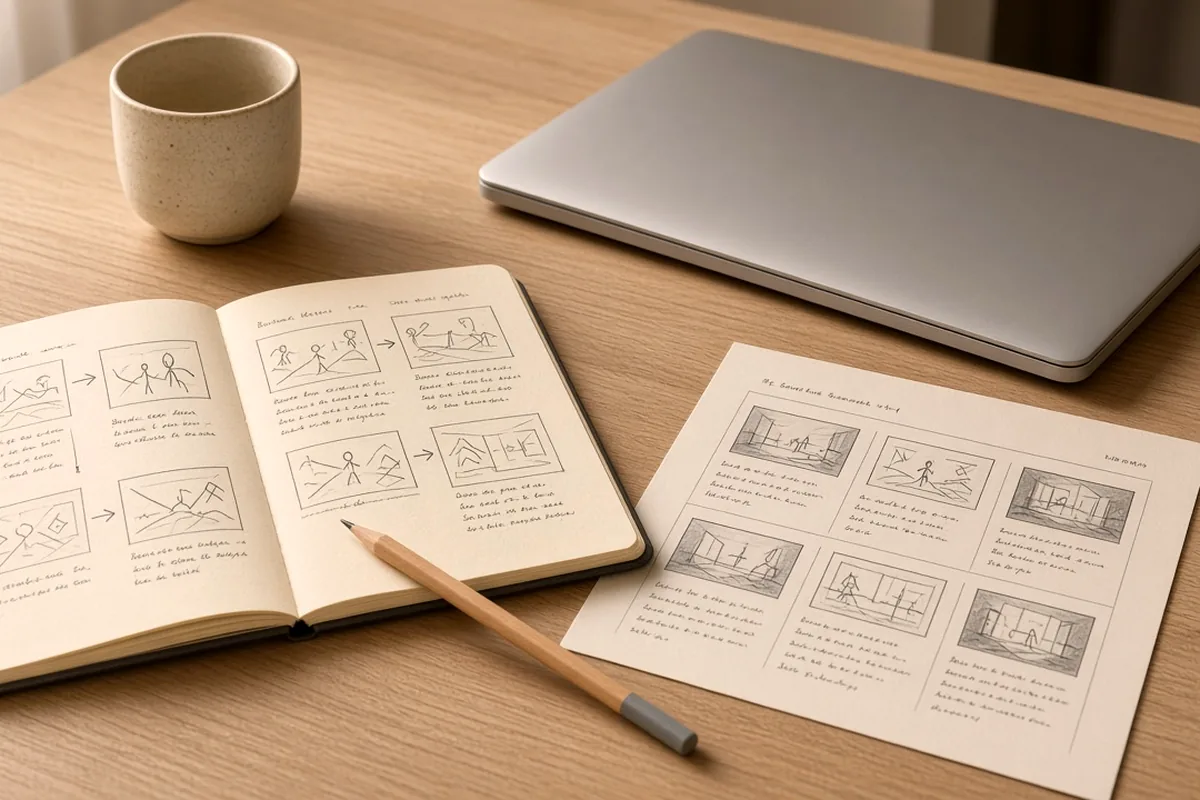
The main topics are screen recording on Mac, recording workflow, zoom and cursor presentation, video editing basics, and export settings. Screen Studio is a featured example because many readers look for Mac tools that combine capture with zoom and cursor work after the take.
When we describe Screen Studio features, we stay with capabilities documented by the developer. For downloads, system requirements, pricing, and account help, use the official site.
Video Workflow Studio is an independent educational resource. It is not operated by the Screen Studio developer and is not an official help center. If you have a question about this website’s materials, use the contact page. If you have a question about the app itself, contact the developer through official channels.